Top 5 Free AI Coloring Page Generators in 2026 (Compared)
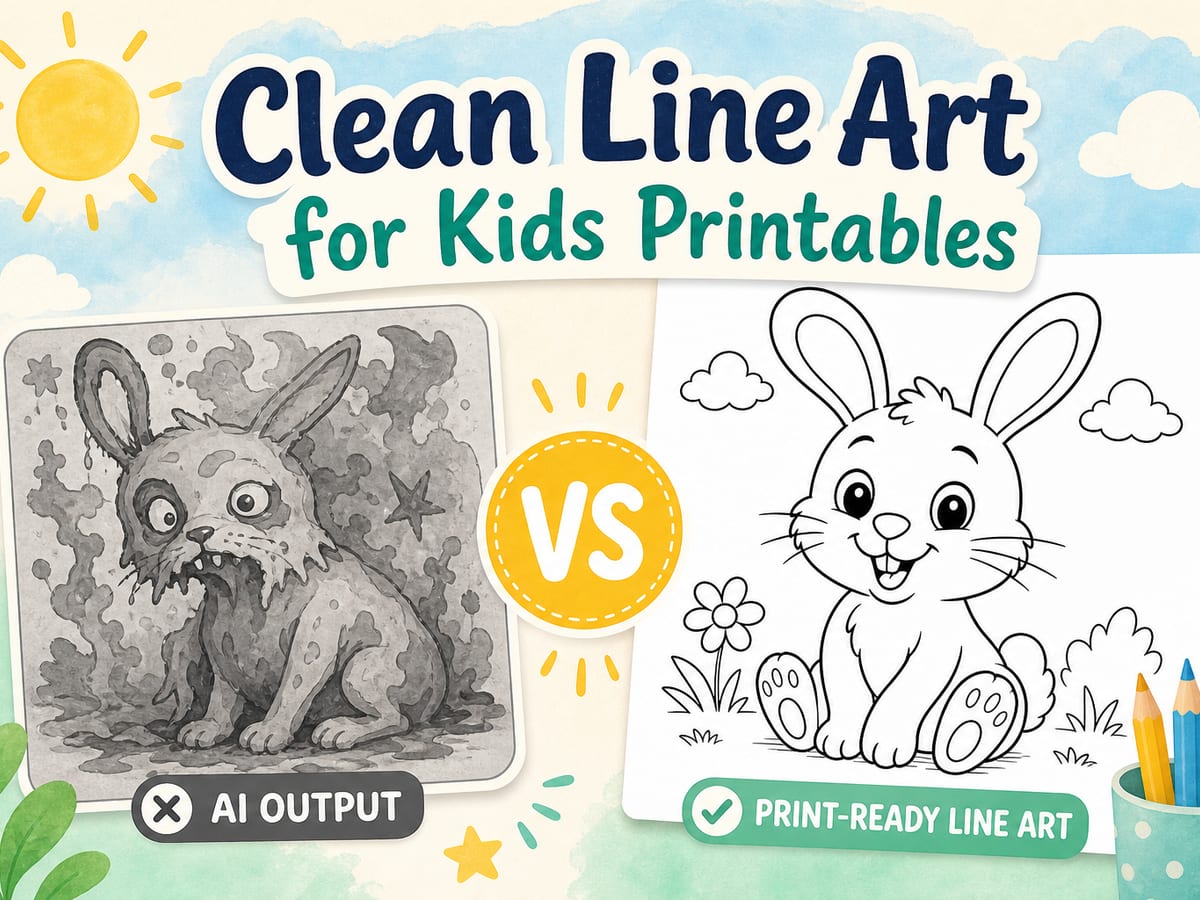
We compared five free AI coloring page tools on outline quality, kid-safety, print readiness, and ease of use, so parents and teachers can pick the right one fast.
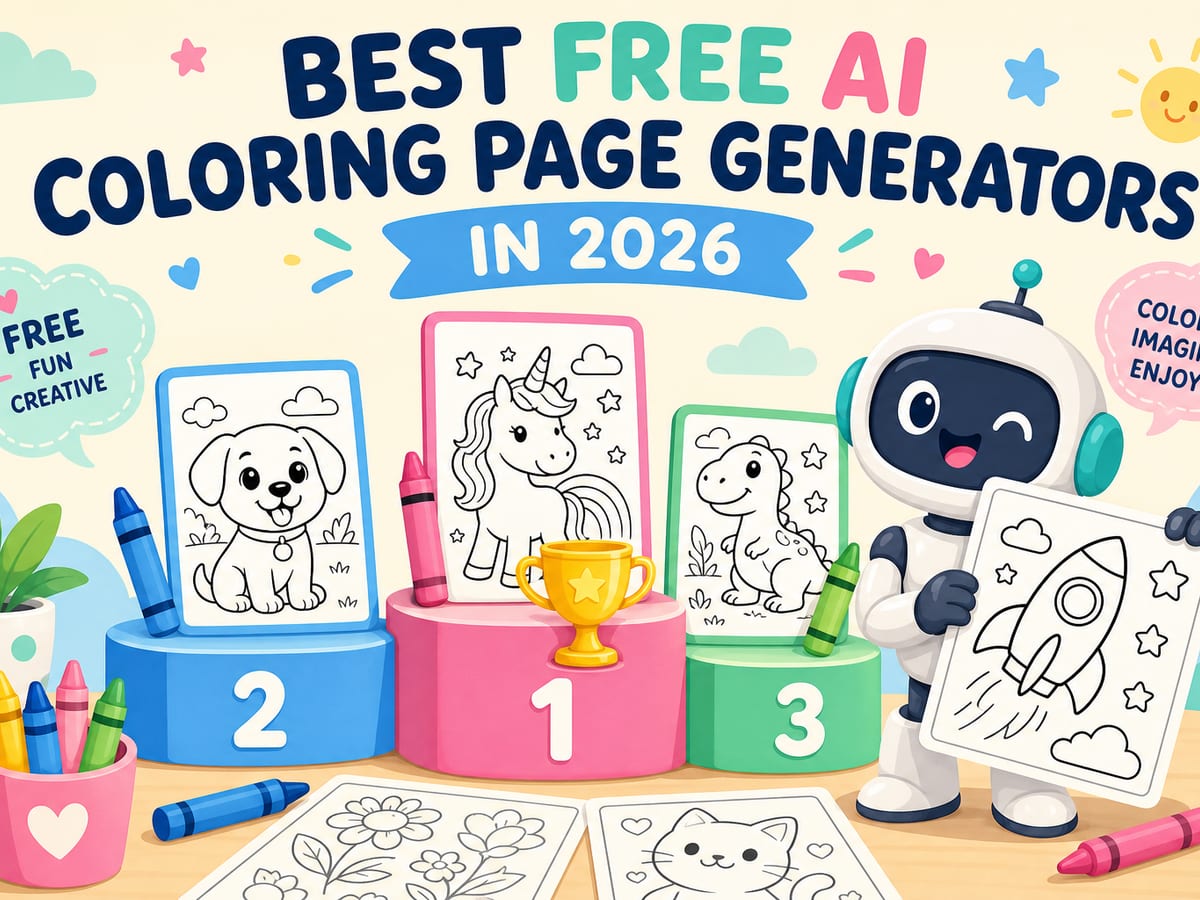
Parents and teachers keep asking which free AI coloring page tools work in 2026. The useful ones produce clean, printable outlines kids can color without gray fills or broken lines.
We tested five free options with the same prompts (unicorn, rocket, rainy-day picnic) and scored each on outline clarity, print readiness, kid-friendly defaults, and how quickly a grown-up can go from idea to printable sheet.
How we compared the tools
- Outline quality: bold, closed shapes with minimal gray shading
- Print readiness: looks good on A4 / Letter without heavy cleanup
- Kid safety: prompts and outputs suitable for young children
- Speed & simplicity: can a busy parent finish in under two minutes?
- Free access: usable without paying on day one
1. Magic Colouring Book: best overall for families
Magic Colouring Book is built specifically for kids’ coloring pages: describe an idea, get a black-and-white outline, then print or color online. Prompts are steered toward friendly subjects, and the output aims for line art, not painterly AI images.
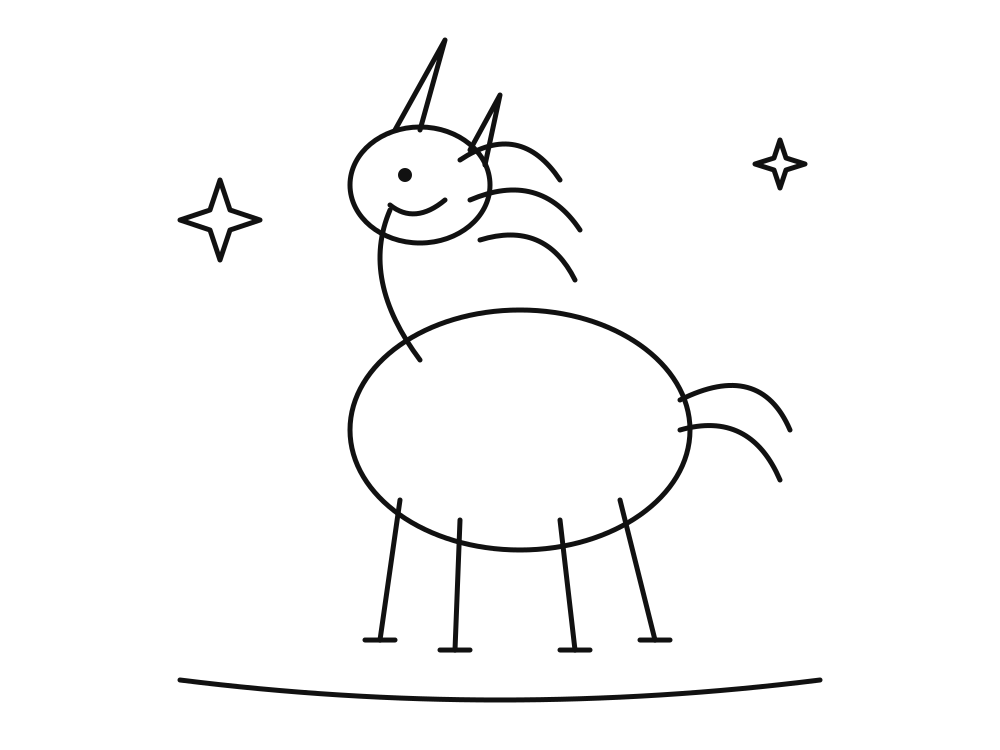
If you want a free tool built like a coloring book, start here.
- Strengths: kid-first UX, printable outlines, online coloring + gallery
- Watch-outs: free daily AI creations are limited; Premium unlocks more
- Best for: parents, teachers, and rainy-day activities at home
2. Generic image AIs with a “line art” prompt
Chat-style image tools can produce coloring pages if you carefully prompt for “black and white line art, thick outlines, no shading.” Results vary a lot: some sheets look print-ready; others arrive with soft gray fills that waste ink and frustrate kids.
Who it suits
Experimenters who already use a general AI account and don’t mind regenerating until the outline is clean. Less useful if you need a reliable classroom workflow.
3. Free “text-to-coloring” web apps
A wave of lightweight websites now offer one-click coloring page generation. Many are genuinely free for light use. The trade-off is consistency: outlines can be sparse, overly detailed, or include tiny shapes that are hard for younger kids to color.
- Test with a short prompt first (one main subject).
- Preview at print size before handing sheets to kids.
- Prefer tools that export PNG/PDF without watermarks on free plans.
4. Mobile photo-to-outline converters
Apps that turn a photo into a sketch can make personal coloring pages (family pet, toy car). Quality depends on the source photo. Busy backgrounds become visual noise. They work well for keepsakes and less well for classroom packs.
5. Classic printable libraries (not AI, still worth it)
Curated printable libraries still win on reliability. You won’t invent a brand-new scene from a sentence, but every sheet is already designed for markers and crayons. Pair a library with an AI generator when kids want something custom.
Browse our free Printable Library for ready-to-print favorites, then jump back to the generator when someone asks for “a pirate ship made of cupcakes.”
Quick verdict
- Best overall free family tool: Magic Colouring Book
- Best if you already live in a general AI chat: careful line-art prompting
- Best for zero-decision rainy days: curated printable packs