AI Generated Coloring Pages: How to Create Custom Sheets Online
Learn what AI generated coloring pages are, how to make clean printable outlines for kids, and why Magic Coloring Book Online is built for families, not generic image AI.
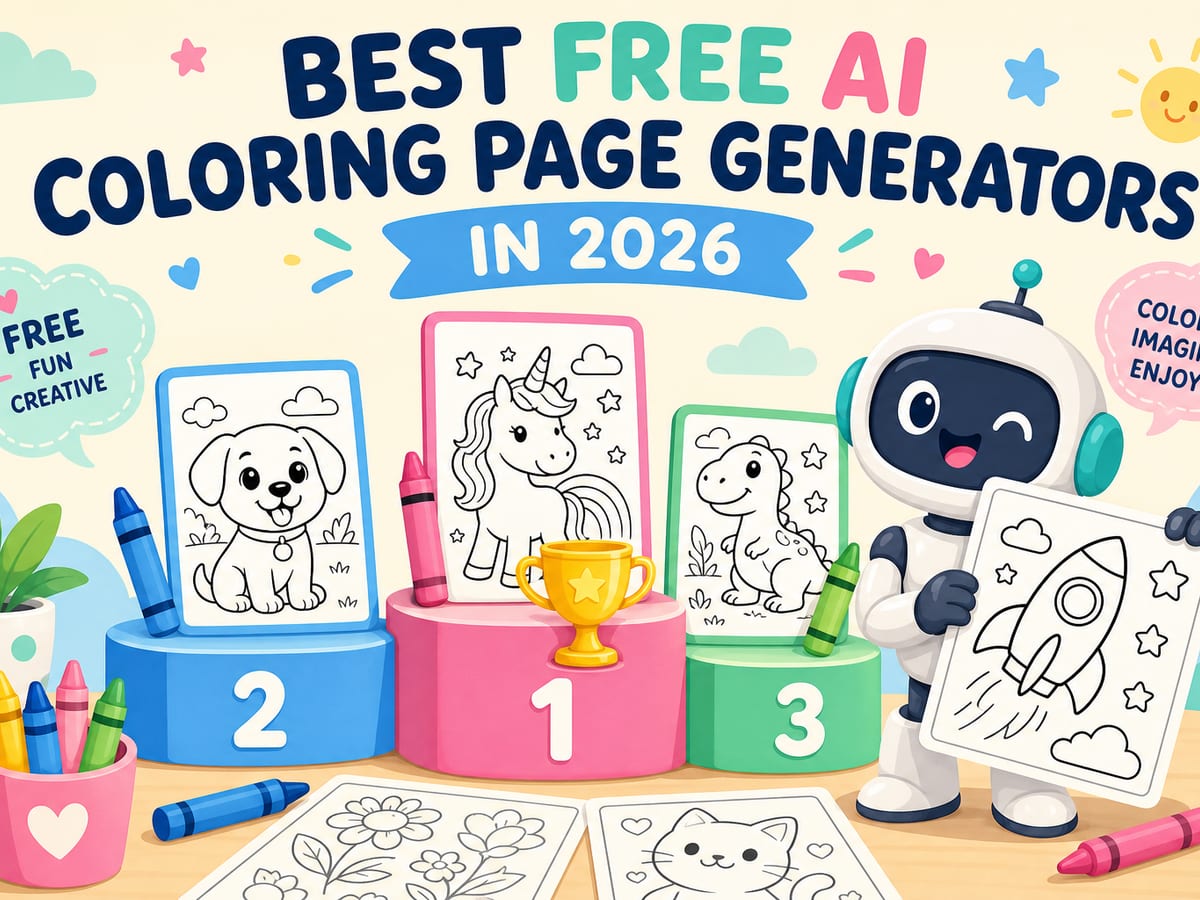
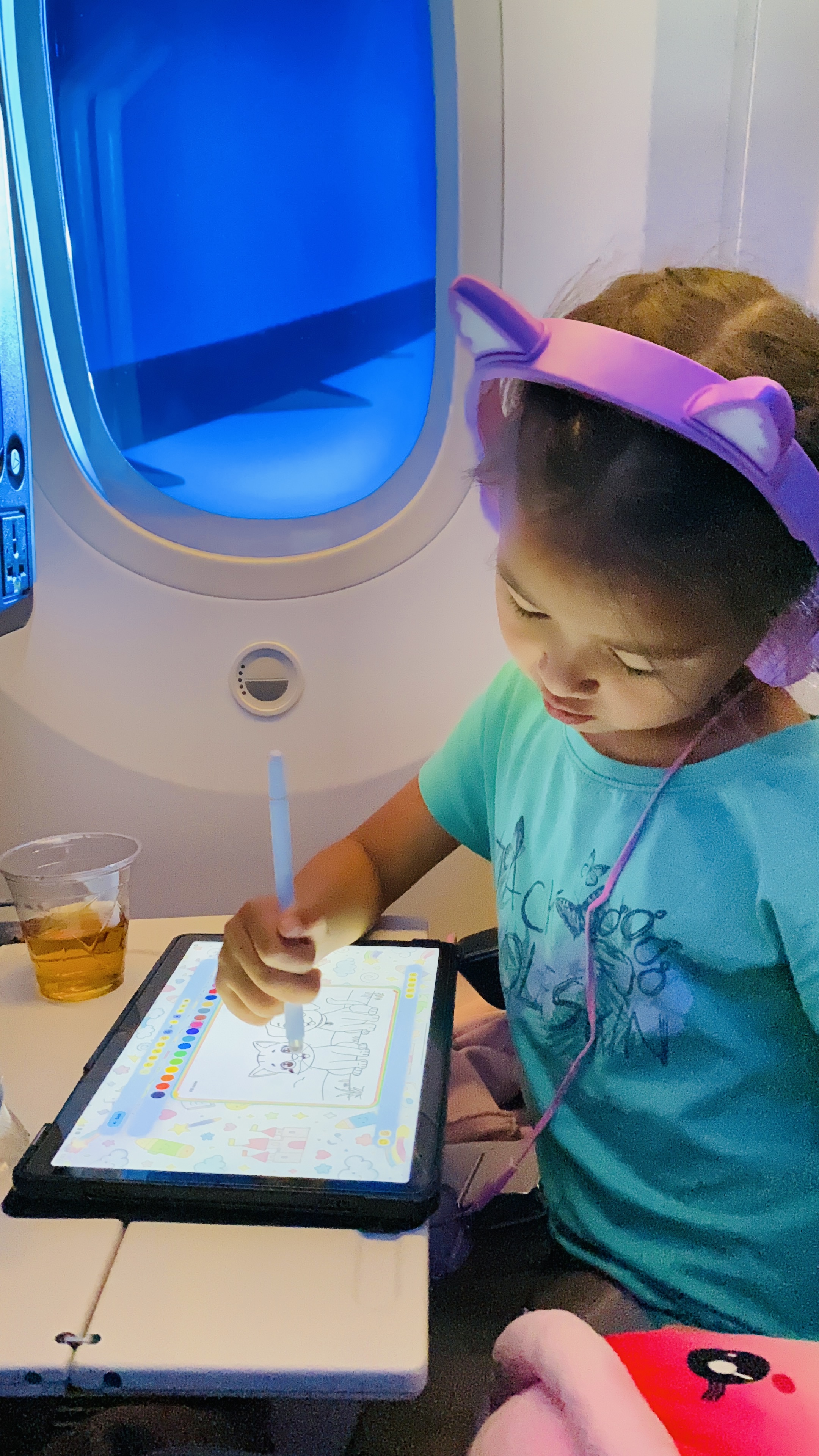
AI generated coloring pages let you turn a short idea into a black-and-white outline kids can print or color online. Try “a puppy on a rocket,” “a rainy-day picnic,” or “a friendly dragon.” That is the promise of an AI coloring book: custom sheets on demand, without hunting through generic printable packs.
Magic Coloring Book Online is built specifically for that job. You describe a scene, the AI produces a coloring-page outline, and you can print it or color in the browser with brushes, fill, and stickers.
What makes a good AI coloring page?
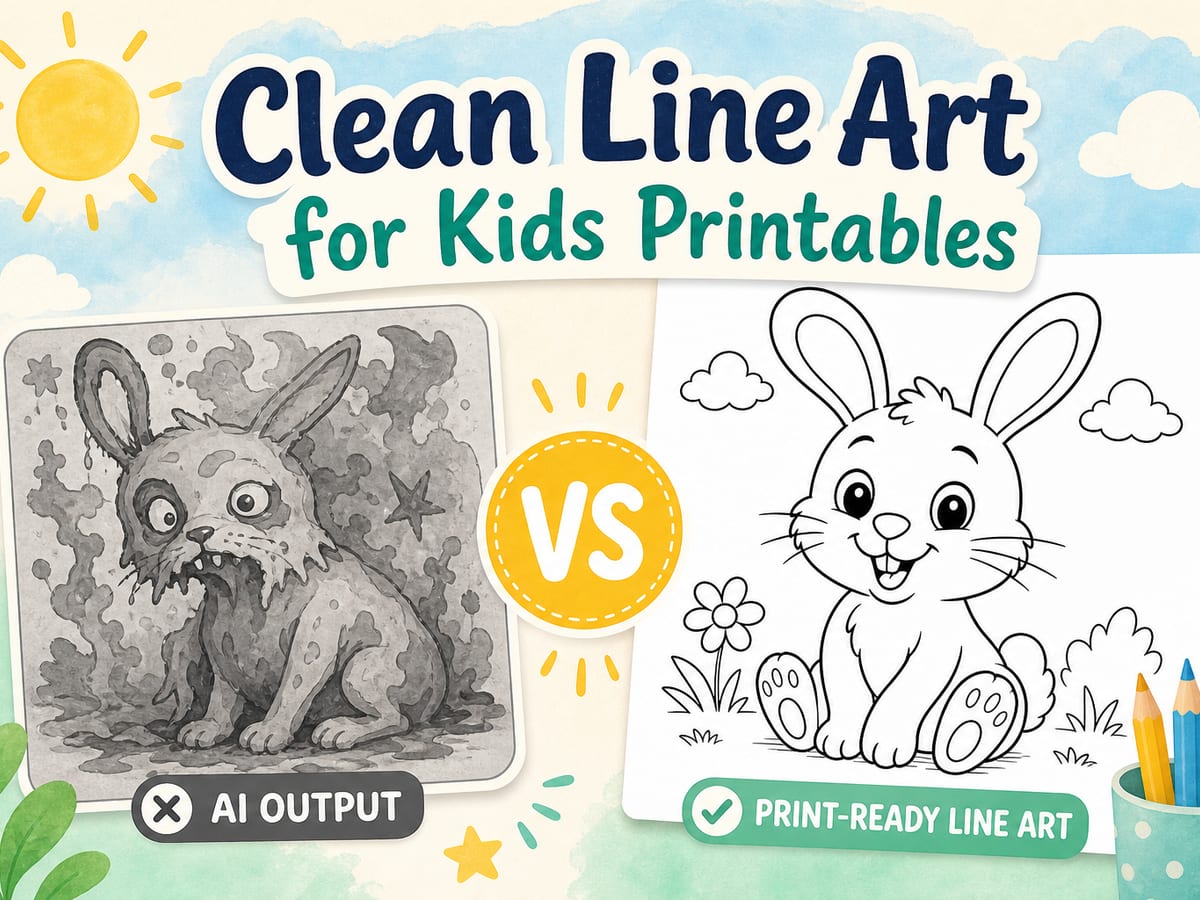
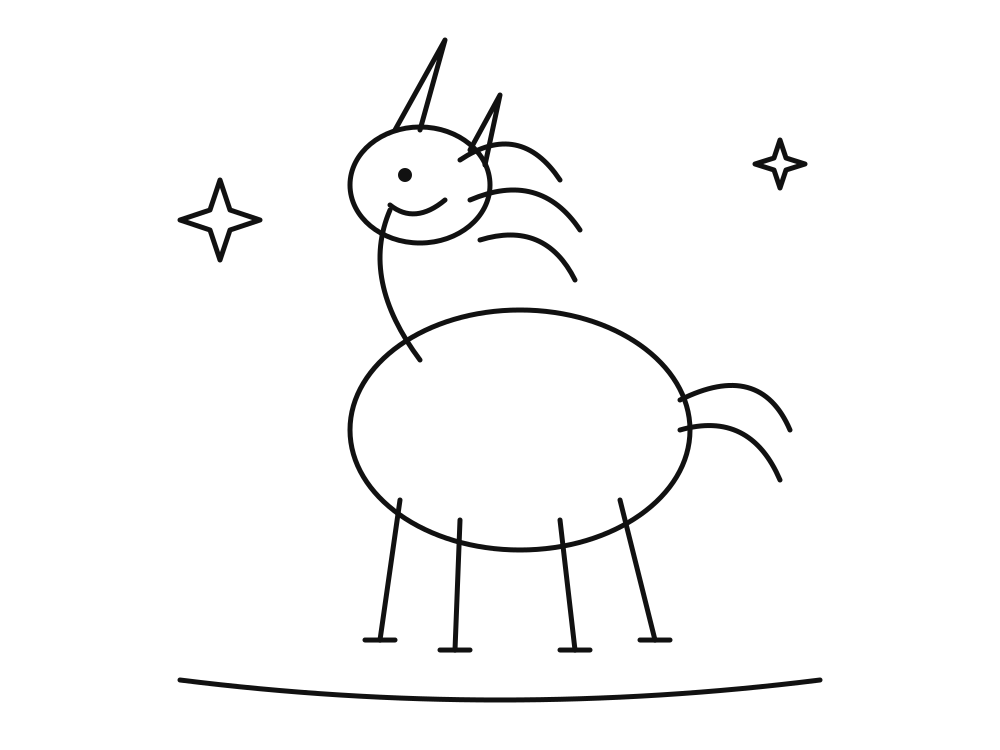
Look for bold, continuous outlines on a true white background. Shapes should close cleanly so kids can fill them without muddy gray shading. Details should stay age friendly, with big shapes for little hands. Subjects should stay kid safe by default.
Generic image generators often fail those tests. They may return soft gray fills, broken lines, or photorealistic shadows that waste ink and frustrate kids. An AI coloring book should optimize for line art first.
How to create AI generated coloring pages in Magic Coloring Book
- Open the free generator on the home page
- Write one clear subject (shorter prompts usually look cleaner)
- Tap Create to generate a printable outline
- Print the sheet or color online, and save favorites to your gallery
Prompt tips for cleaner AI coloring pages
- One main character beats a crowded scene for younger kids
- Name the setting simply: “in a sunny garden,” “on the moon”
- Avoid asking for photorealism, shadows, or watercolor
- Regenerate if lines look soft or shapes don’t close
When to use AI pages vs ready-made printables
Use AI when you want something personal: your child’s favorite animal in a silly outfit, a classroom theme, or a birthday motif. Use the Printable Library when you need a guaranteed clean sheet fast, with no generation wait.